
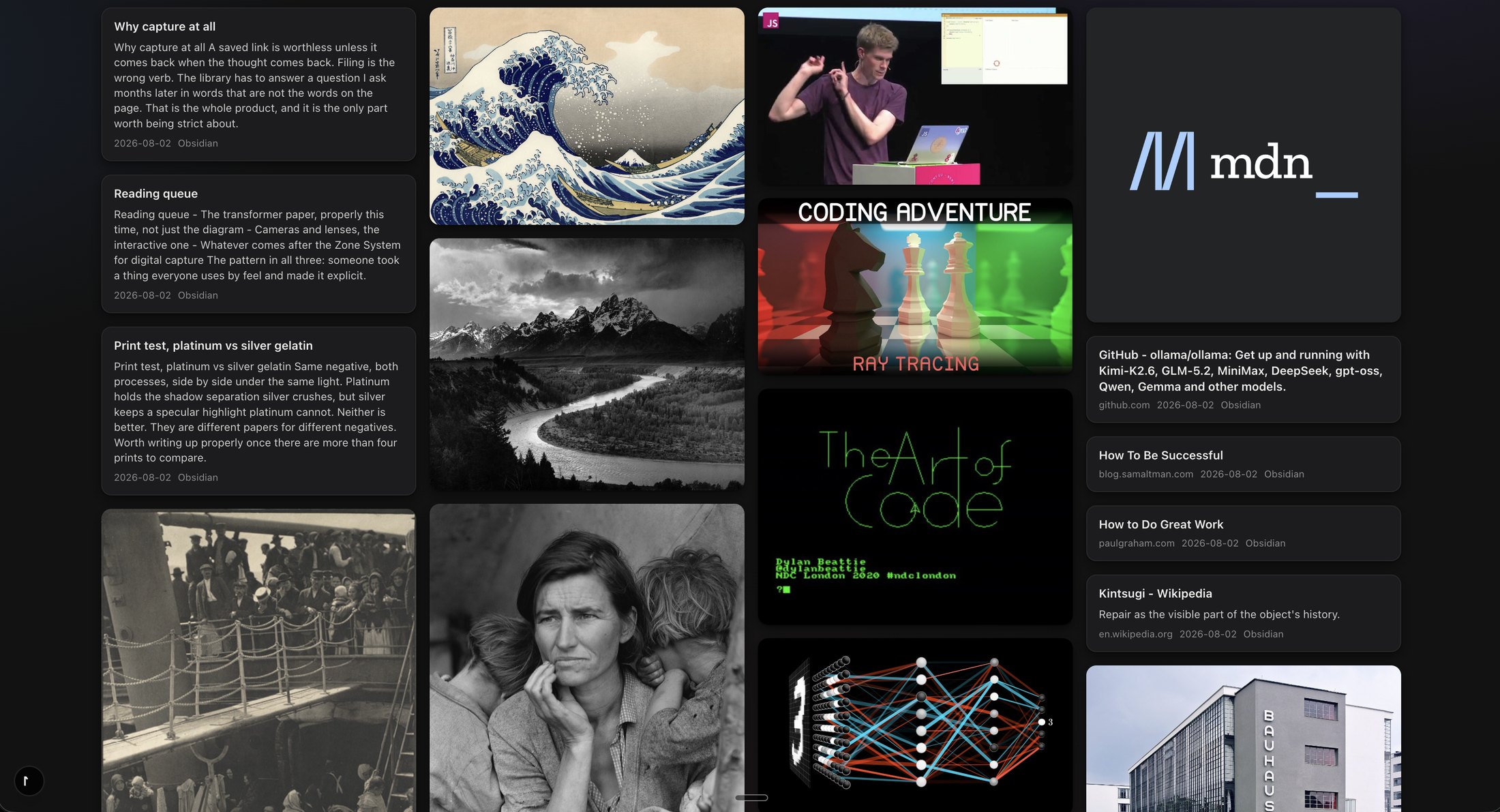
The difference in practice
Find the thing, even if you forgot its name
Nobody browses ten thousand screenshots. You search them, and the filename is rarely the thing you remember. Tenoa reads what you saved so a plain-language search brings it back: a slide in a PDF, a line in a screenshot, an idea buried forty minutes into a talk
- ScreenshotsThe words in the image are read on your computer and become searchable. Search "cancel anytime" and the pricing screenshot comes back
- VideosSaved with the transcript, split into chapters. Search hits inside the transcript and clicking a chapter lands on that moment
- More like thisFrom any item, Tenoa shows the others about the same idea, matched on meaning rather than tags. It runs on your machine with the local model
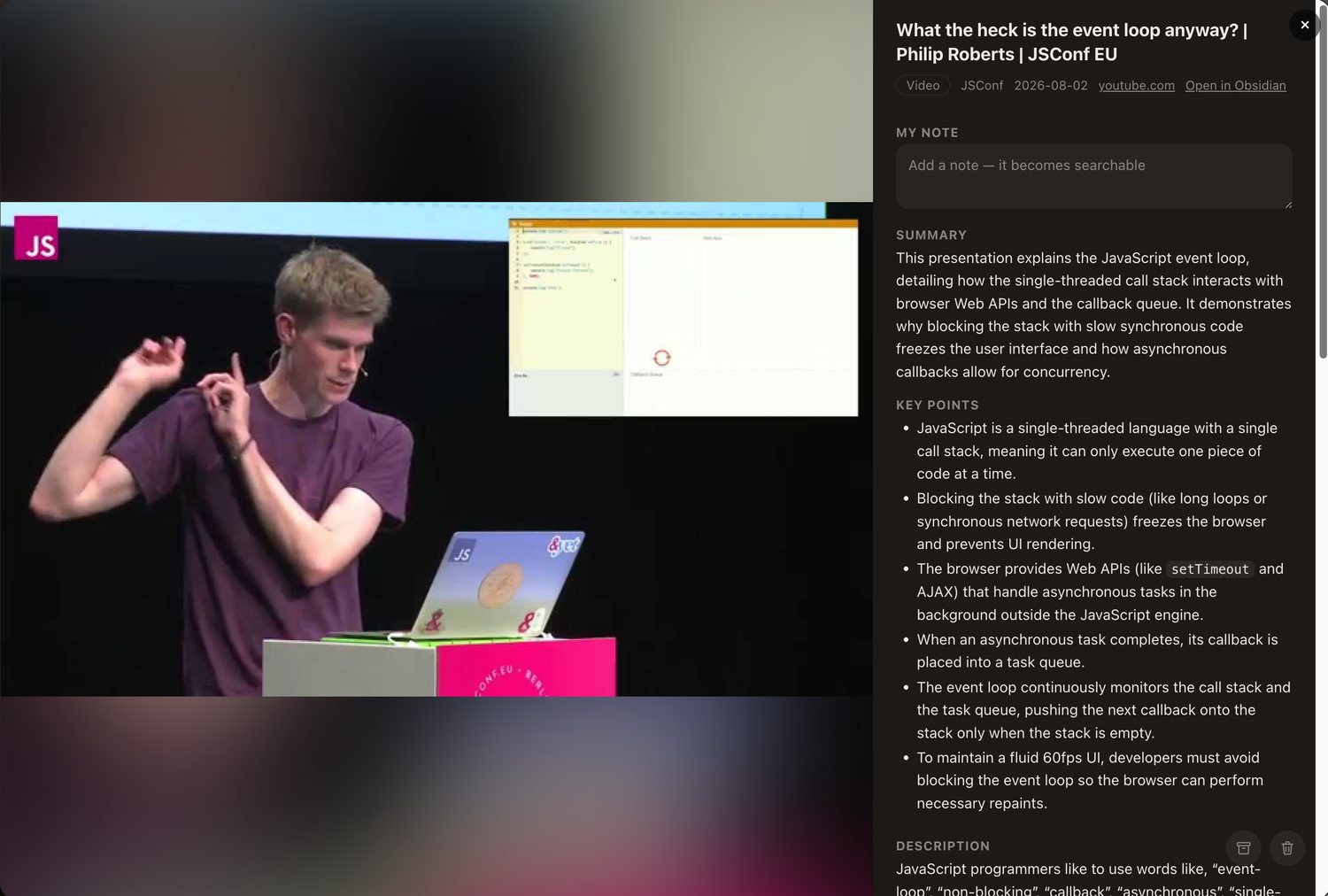
Videos are saved with their transcript and split into chapters. Click a chapter and you land on that moment. Search hits inside the transcript too, so a video is as findable as a document.